

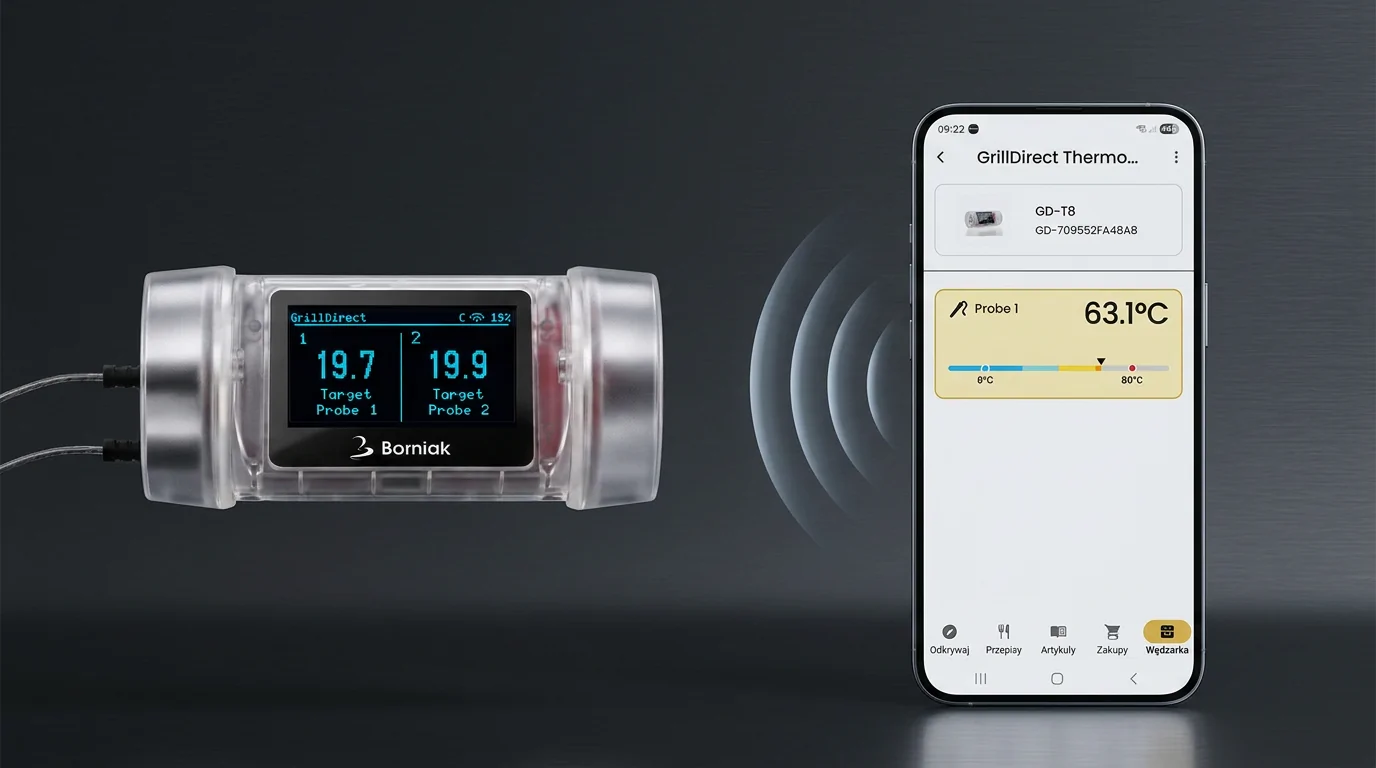
We have good news for users of GrillEye MAX – Borniak Edition thermometers. Thermometers with GrillDirect firmware installed can now be paired with the Borcook app. This allows you to access readings from connected probes directly in the app.
What is already available?
After updating a compatible thermometer using the free GrillDirect software, you can:
- pair the thermometer with the Borcook app,
- monitor temperatures from connected probes,
- set target temperatures,
- use temperature alarms,
- use the thermometer offline and within your local Wi-Fi network (LAN).
An interface adapted to the number of probes
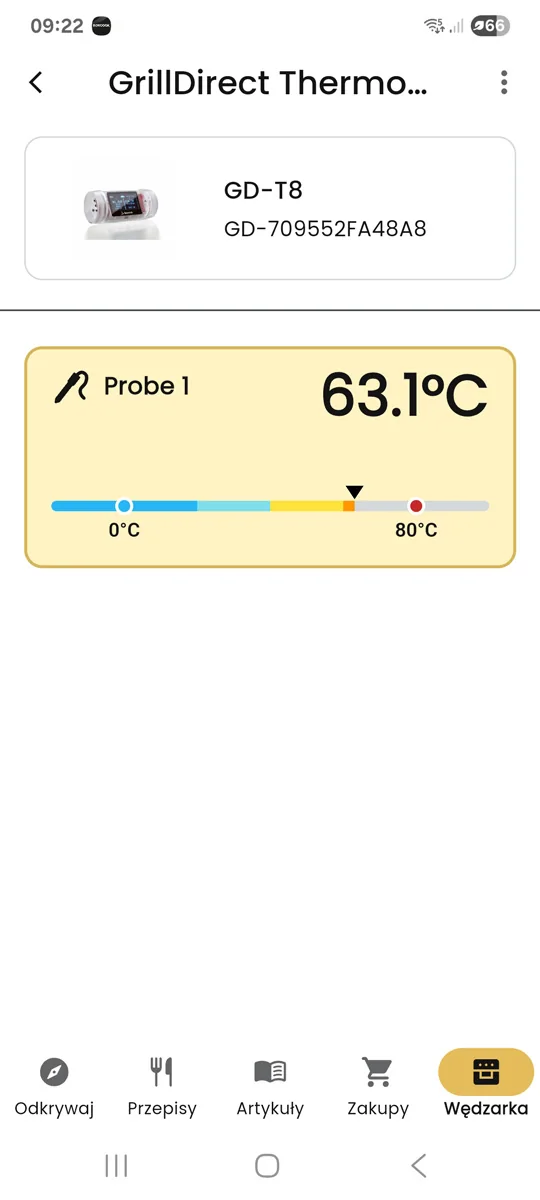
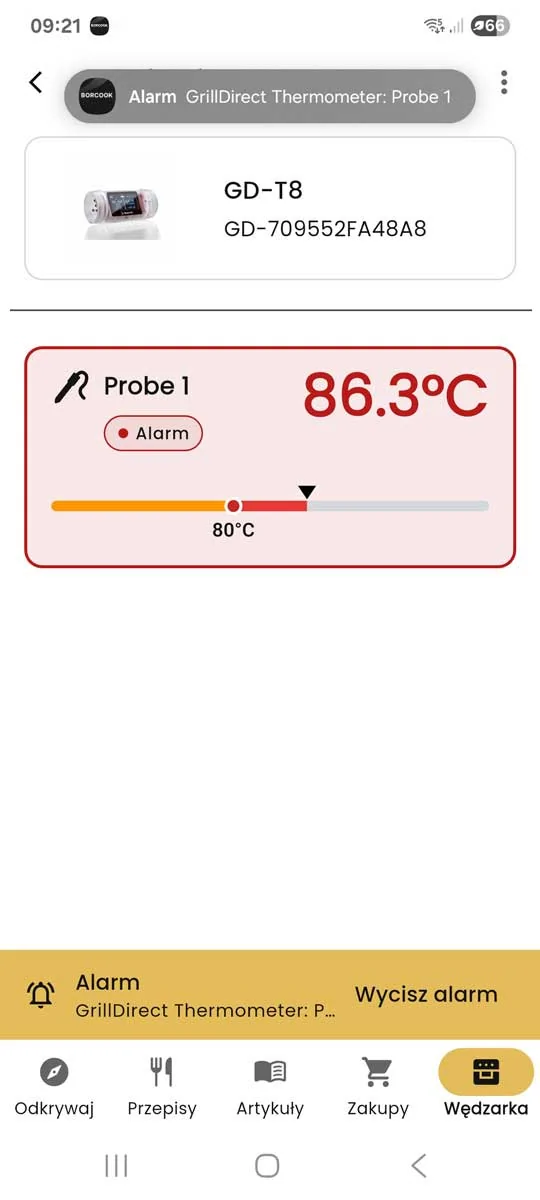
GrillDirect automatically adapts the temperature display to the number of connected probes. With one probe, the temperature is displayed in a large and easy-to-read format. When additional probes are connected, the interface allows you to conveniently monitor several measurements at the same time.
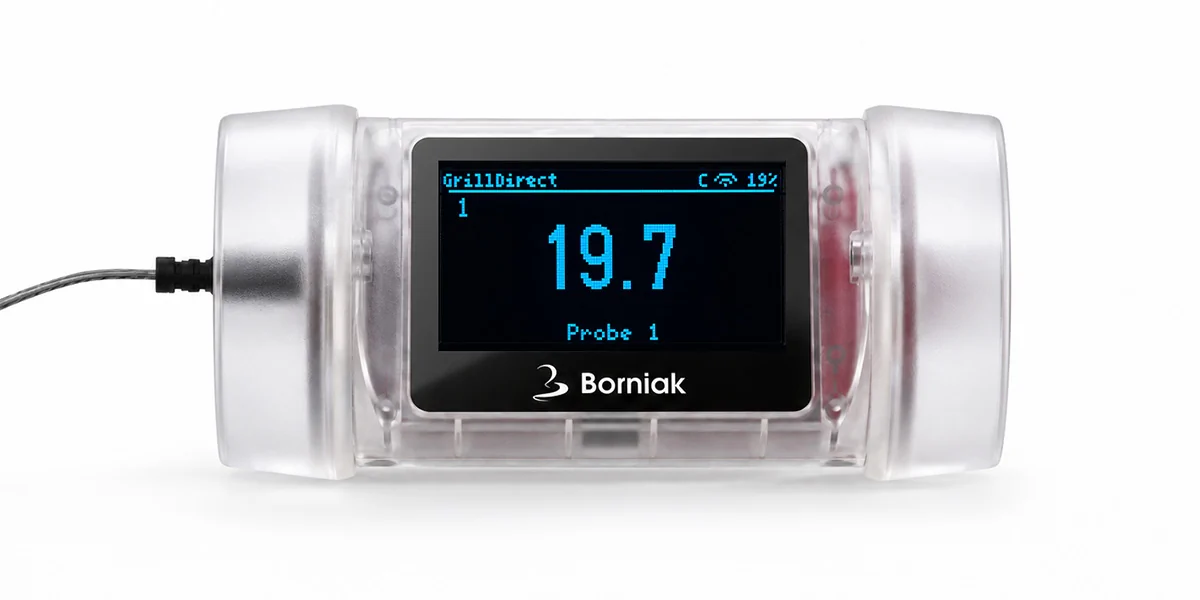
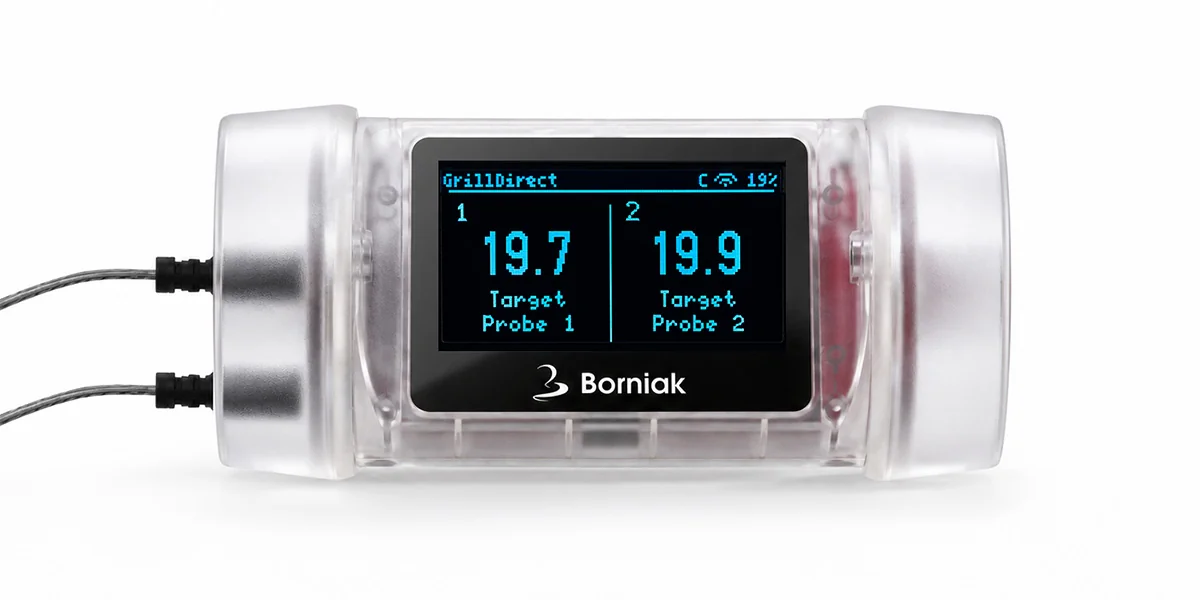
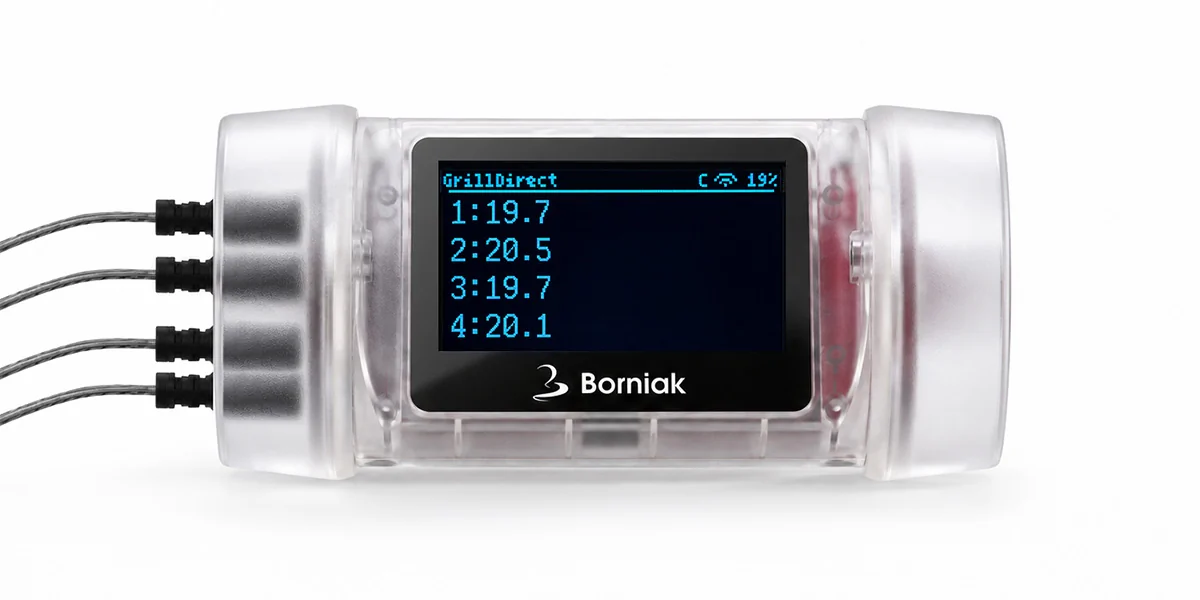
GrillEye MAX in the Borcook app
After pairing the thermometer, you can monitor the temperature of connected probes directly in the Borcook app. The app displays the current temperature and the selected target temperature.
How to get started
- Download the latest version of GrillDirect to your computer.
- Update the firmware of your compatible GrillEye MAX thermometer.
- Open the Borcook app and start the pairing process.
- Configure the thermometer's Wi-Fi connection.
Detailed instructions, the GrillDirect software and compatibility information are available on the GrillDirect website.
Download the Borcook app
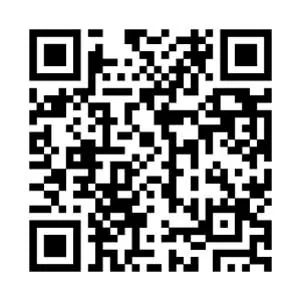
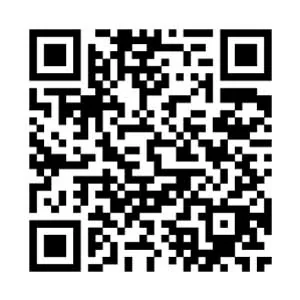
Scan the QR code or go directly to Google Play or the App Store to download the Borcook app to your phone.

What about Internet access?
We will let you know when this feature becomes available.
GrillDirect
Download the software, read the update instructions and find detailed information about GrillDirect.
GrillEye® is a registered trademark of its respective owner. GrillDirect is independent alternative software and is not affiliated with the manufacturer of the original device. Installing GrillDirect replaces the device's original firmware. Before installation, please review the EULA, Privacy Policy and legal information available on the GrillDirect website.